Turn Christmas Family Photos into a Story to Keep
Choose clear faces, ordinary moments and a few festive details to turn your Christmas camera roll into a photo story you can read together all year.
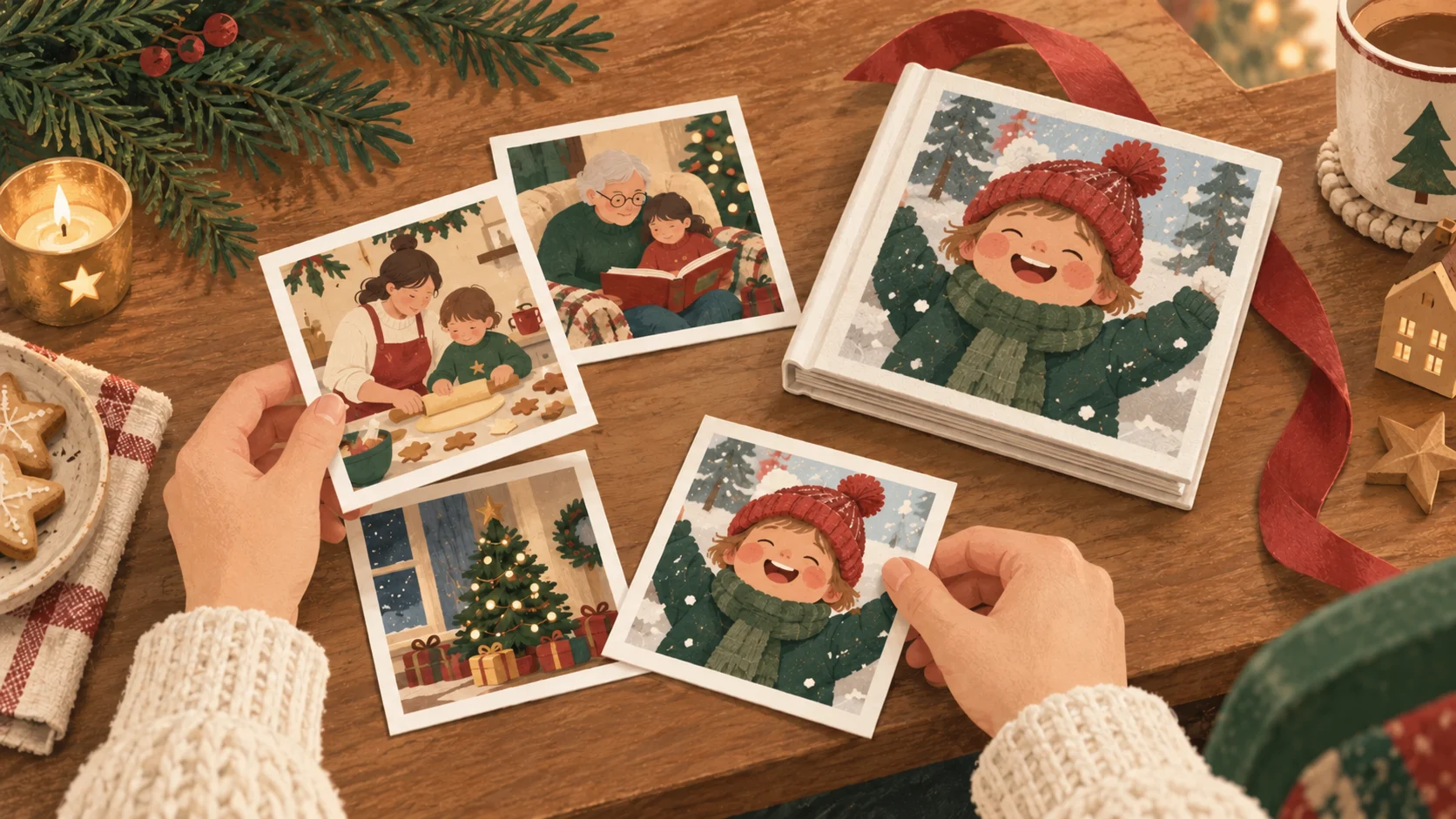
To turn Christmas family photos into a board book, choose a small story first, gather clear photos that support it, then review the words and crops before ordering. You do not need a professional holiday shoot. Everyday moments around a celebration can be enough: a familiar face, a shared activity and a quiet moment together.
Pick one story your photos can tell
A crowded camera roll becomes easier to edit when you give it a simple purpose. You might choose a day with grandparents, a cozy holiday at home or the familiar people who shared the season. A year-in-review book can work too, with Christmas as the closing moment rather than the subject of every page.
Write your idea in one sentence before selecting images: We baked, played and read together at home. If a photo does not help that idea, save it for another project. This keeps the book focused and helps you avoid choosing ten nearly identical pictures just because the lighting looks good.
A practical starting plan for 14 photos
Little Ratel's current board book workflow requires 14 uploaded photos. The following mix is a starting plan, not a required formula or a promise that each photo maps to a particular spread. Replace the suggested moments with the people and activities that matter to your family.
- 3 familiar-face photos: the child, a caregiver and someone else important to the story.
- 4 everyday moments: reading, playing, sharing a meal or spending time in a familiar place.
- 3 festive activities: decorating, baking or taking a winter walk together.
- 2 small details: a favorite ornament, a drawing or another recognizable part of your celebration.
- 2 quiet closing moments: a cuddle, a bedtime routine or a family picture that gives the story a gentle ending.
If your family celebrates differently, use your own traditions. The book does not need matching outfits, a large tree or a particular kind of gathering. A favorite snack at home or a video-call moment with a distant relative can be more personal than a formal holiday portrait.
Choose photos that still read clearly at book size
Open each original photo and check the faces before uploading. Look for clear detail, enough light and room around the subject for cropping. Low-light tree pictures can feel lovely on a phone but still have a blurry face. When you have a clearer photo of the same person, it may be the better choice for a printed page.
- Prefer original camera files over screenshots or heavily compressed copies when available.
- Leave some room around faces and hands so the crop can fit the page.
- Avoid selecting several near-duplicates unless the sequence helps tell the story.
- Remove photos the family does not want included before starting the upload.
- Use the Photo Guide and the book preview to review the images; automated checks are helpful but do not replace your judgment.
How to make a Christmas photo board book
- 1
Gather your original photos
Create a small folder with the photos you have permission to use. Keep the originals available while you choose the final set.
- 2
Choose a clear beginning and ending
Think about who the story introduces, what happens in the middle and which photo gives it a comfortable ending. Confirm photo order during creation and preview.
- 3
Upload 14 photos and choose your options
Use the current board book creation flow. Add the child's name and select a story direction and the page layout that suits your photos.
- 4
Review the AI-assisted draft
Read every page. Correct names, relationships and details the draft may have inferred. Replace wording that does not sound like your family.
- 5
Check crops and current delivery information
Confirm faces and important details stay in frame. Review product and shipping information before placing the order, especially when planning a holiday gift.
Keep the words grounded in the photos
A photo cannot always explain who someone is, what happened before the picture or which tradition your family follows. Treat an AI-generated sentence as a draft. You might change a guess about opening presents into a simpler line such as We sat together by the tree. Short, concrete wording often gives you more room to talk about the memory as you read.
You can also keep the language useful beyond December. A line about reading with a grandparent still works in spring; a line about one specific holiday can preserve the occasion. Use both when they suit the story, and keep the final wording yours.
Common questions
Do all 14 photos need to be Christmas photos?
No. You can mix holiday photos with everyday family moments. Choose a set that supports the story you want to tell and meets the current 14-photo requirement.
Can I use photos from more than one Christmas?
Yes, if they fit your chosen story. Review the wording so it does not incorrectly present photos from different years as one day.
Can I change the story after AI drafts it?
You can preview and edit the wording before ordering. Check names, relationships and any details the draft may have inferred from a photo.
Can I make the book after Christmas?
Yes. A Christmas photo keepsake can be created after the celebration, when you have time to choose the photos and review the story. Check current product availability and pricing on Shop Book.
Continue planning your keepsake
Read the Little Ratel Photo Guide